Sailor Piece Wiki Codes HubMarch 2026
Clean, copy-ready code list with active, conditional, and expired sections. Use single-copy or bulk-copy to redeem faster in-game.
Active Sailor Piece Wiki Codes
Requirement: Redeem in a new server
Requirement: Redeem in a new server
Requirement: Requires level 7500 and a new server
Requirement: Requires level 8500 and a new server
Requirement: Requires level 7500 and a new server
Requirement: Requires level 3500
Possibly Available Sailor Piece Wiki Codes
Requirement: Possibly active, level 7500, redeem in a new server
Requirement: Possibly active, level 8500, redeem in a new server
Requirement: Possibly active, level 7500, redeem in a new server
Expired Sailor Piece Wiki Codes
Sailor Piece Wiki Codes FAQ
How do I redeem Sailor Piece Wiki codes in Roblox?
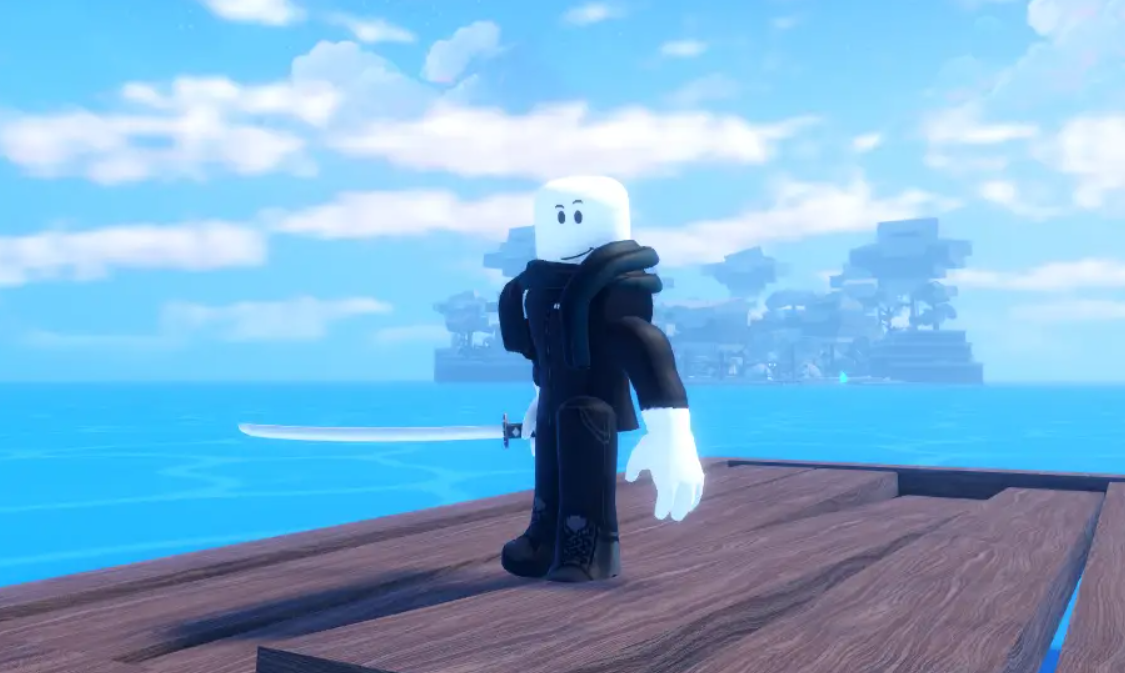
Open Sailor Piece Wiki, click the left-side Settings button, scroll to the Codes input, paste a valid code, and press Redeem.
Why are some Sailor Piece Wiki codes not working?
Most failed redemptions come from expired codes, level requirements, or server-state restrictions. Some codes only work in a new server.
How often are new Sailor Piece Wiki codes released?
New Sailor Piece codes usually appear around updates, milestones, and hotfix windows. Check frequently because validity can be short.
Should I copy codes one by one or all at once?
Use bulk copy to save time, then paste codes one by one in-game. If a code fails, move to the next one quickly and retry in a new server.